

Monect (Suzhou) Co., Ltd.
4.0
1 ratings24 MB
SizeVerified
SCREENSHOTS (8)
About the app
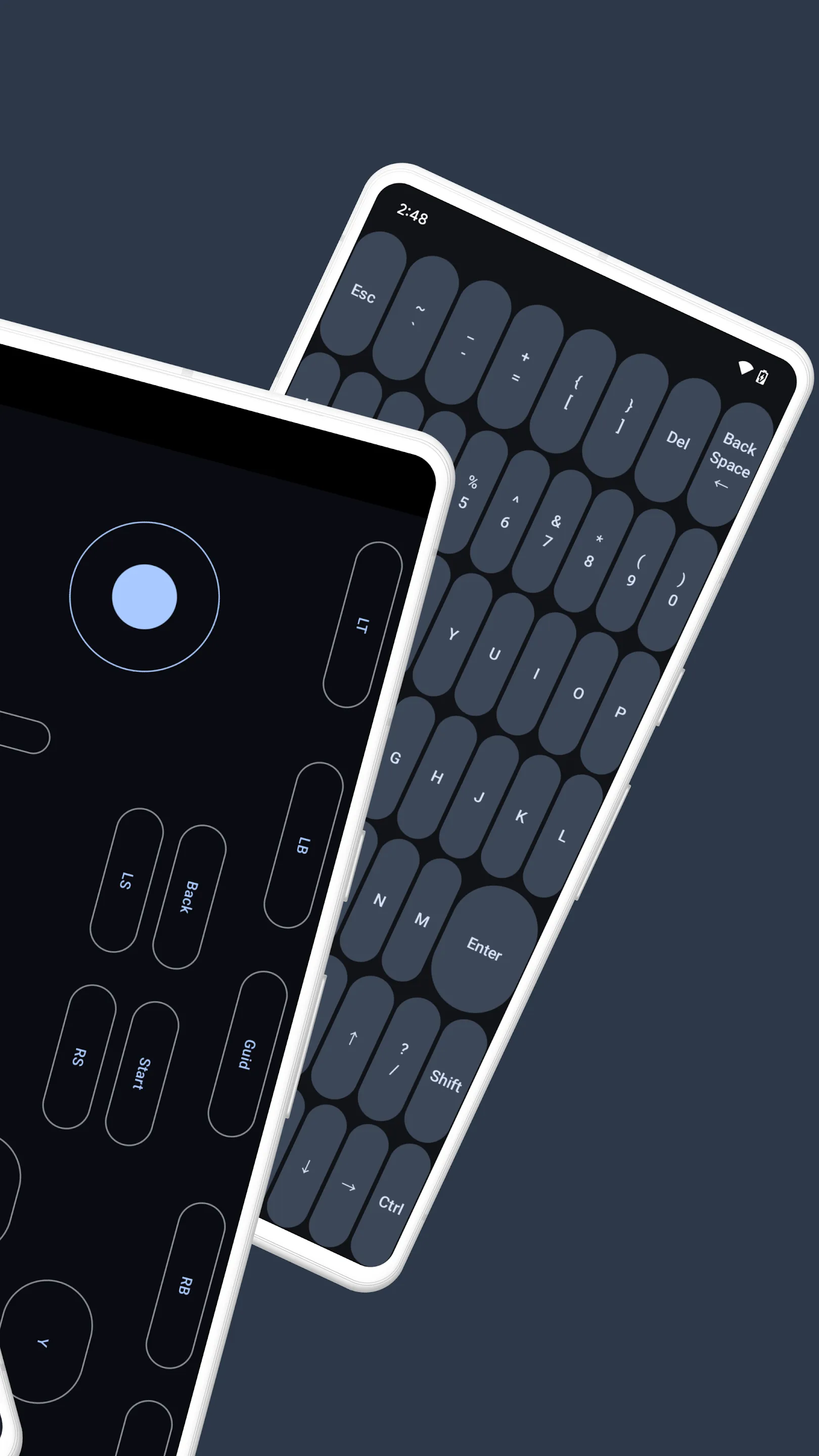
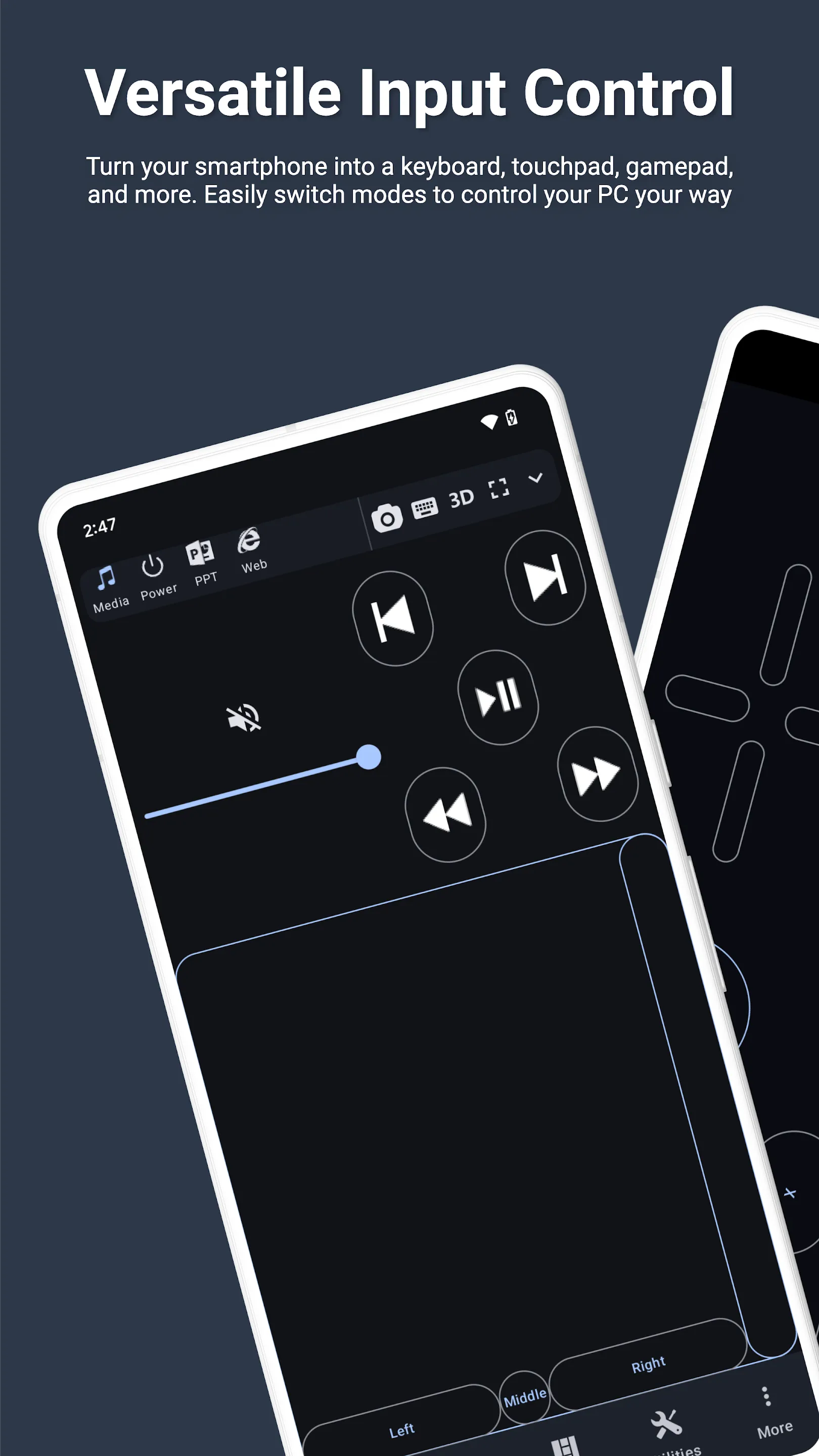
Elevate your PC experience with Monect PC Remote, a versatile and free app designed to give you full control of your computer, whether you're nearby or miles away.
Key Features:
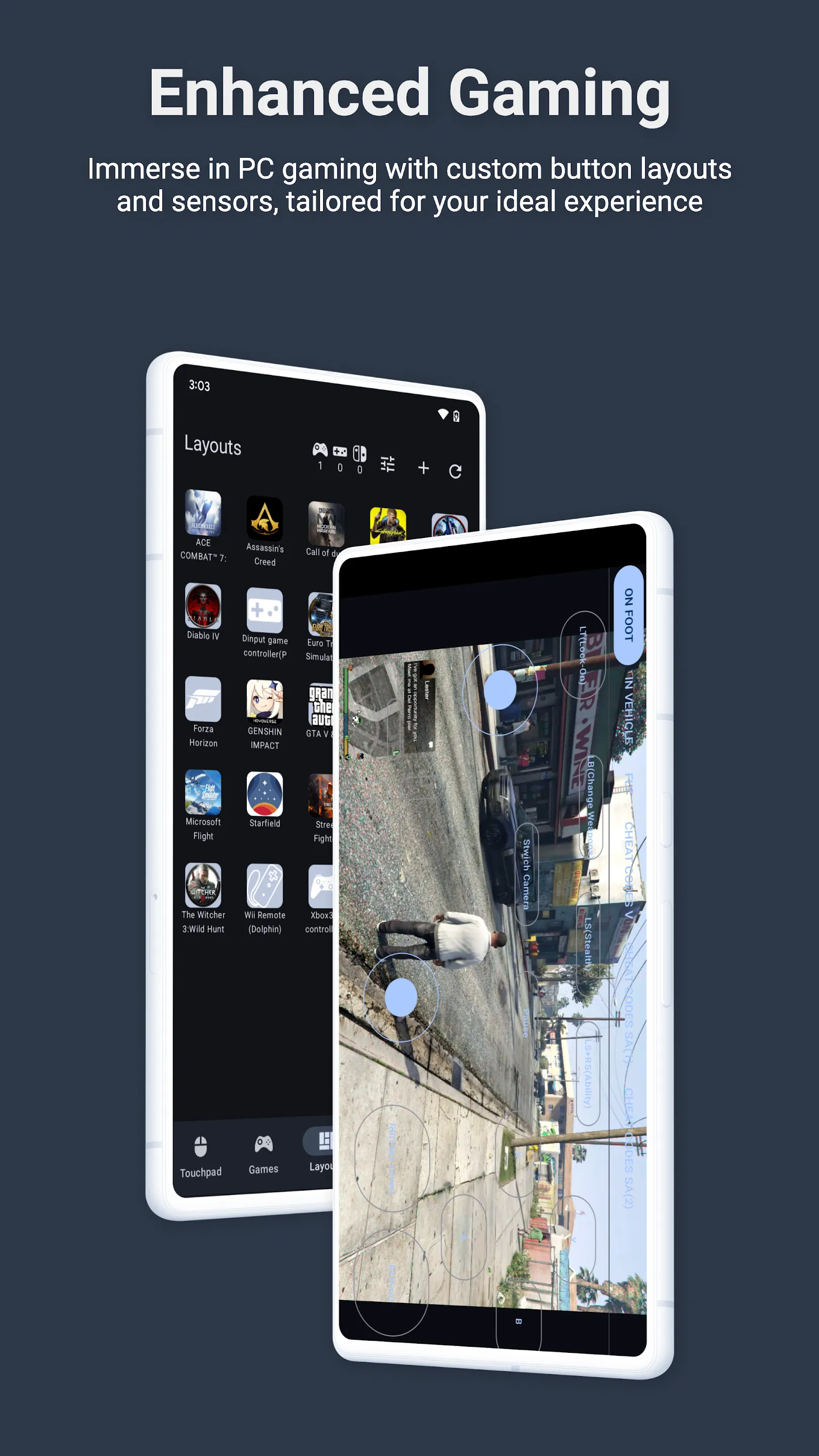
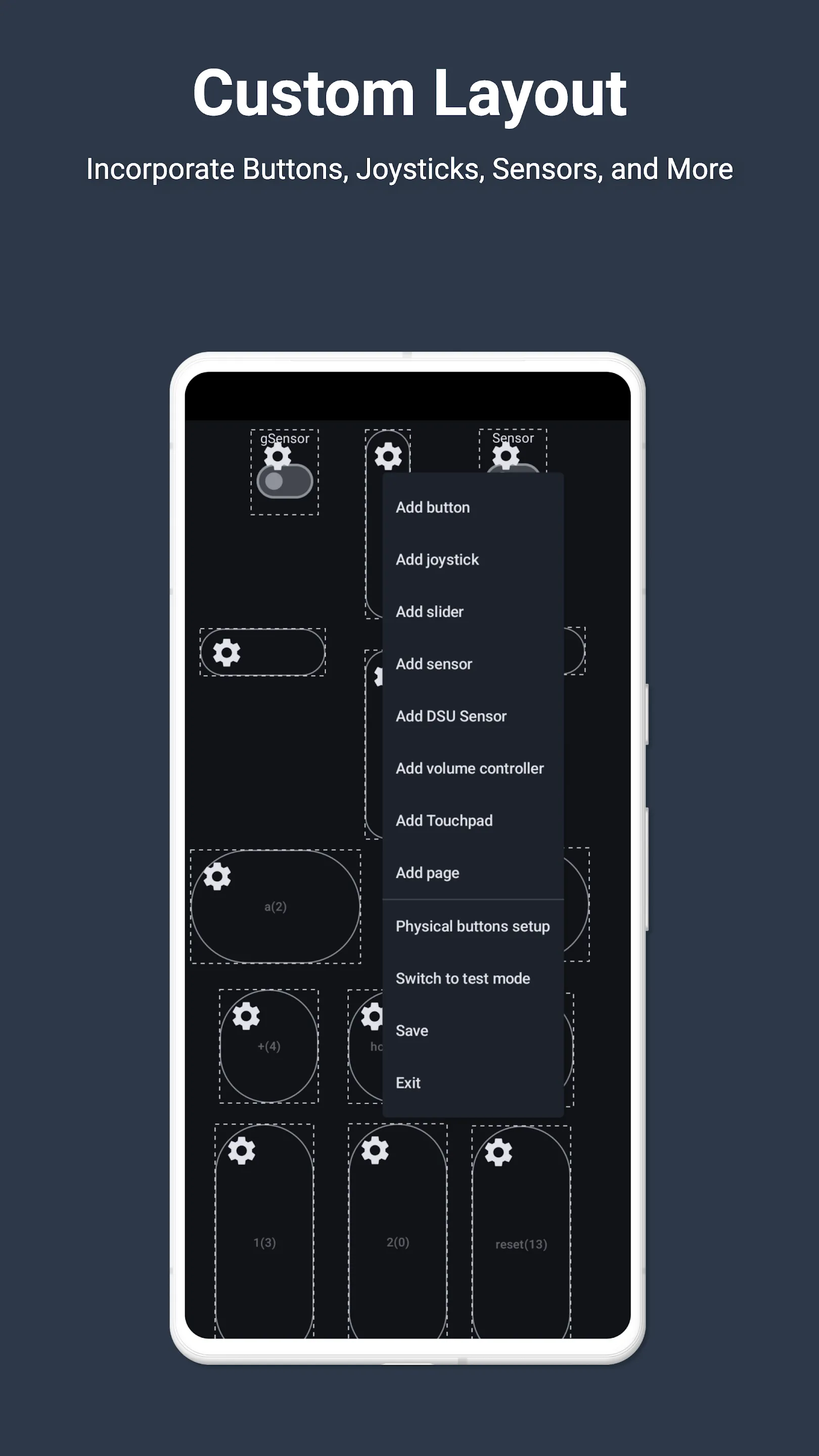
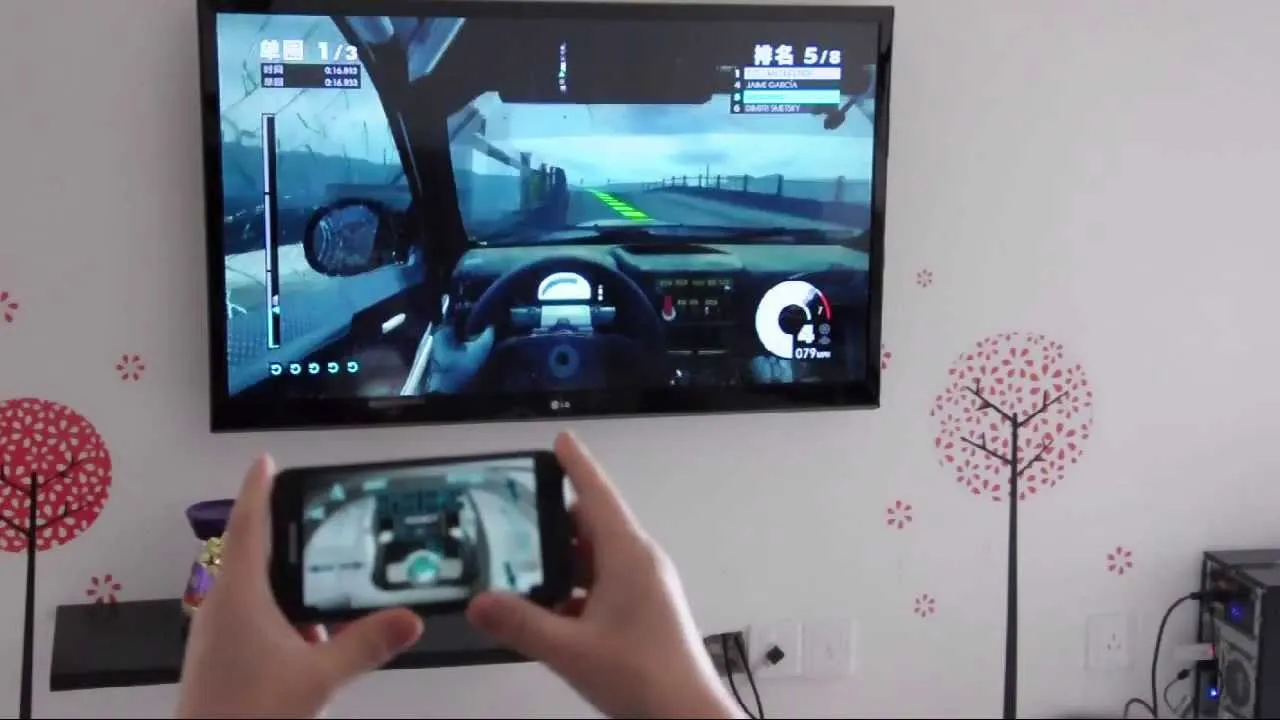
- Enhanced Gaming: Immerse yourself in PC gaming with custom button layouts and onboard sensors. Tailor them to your preferences for an unbeatable gaming experience.
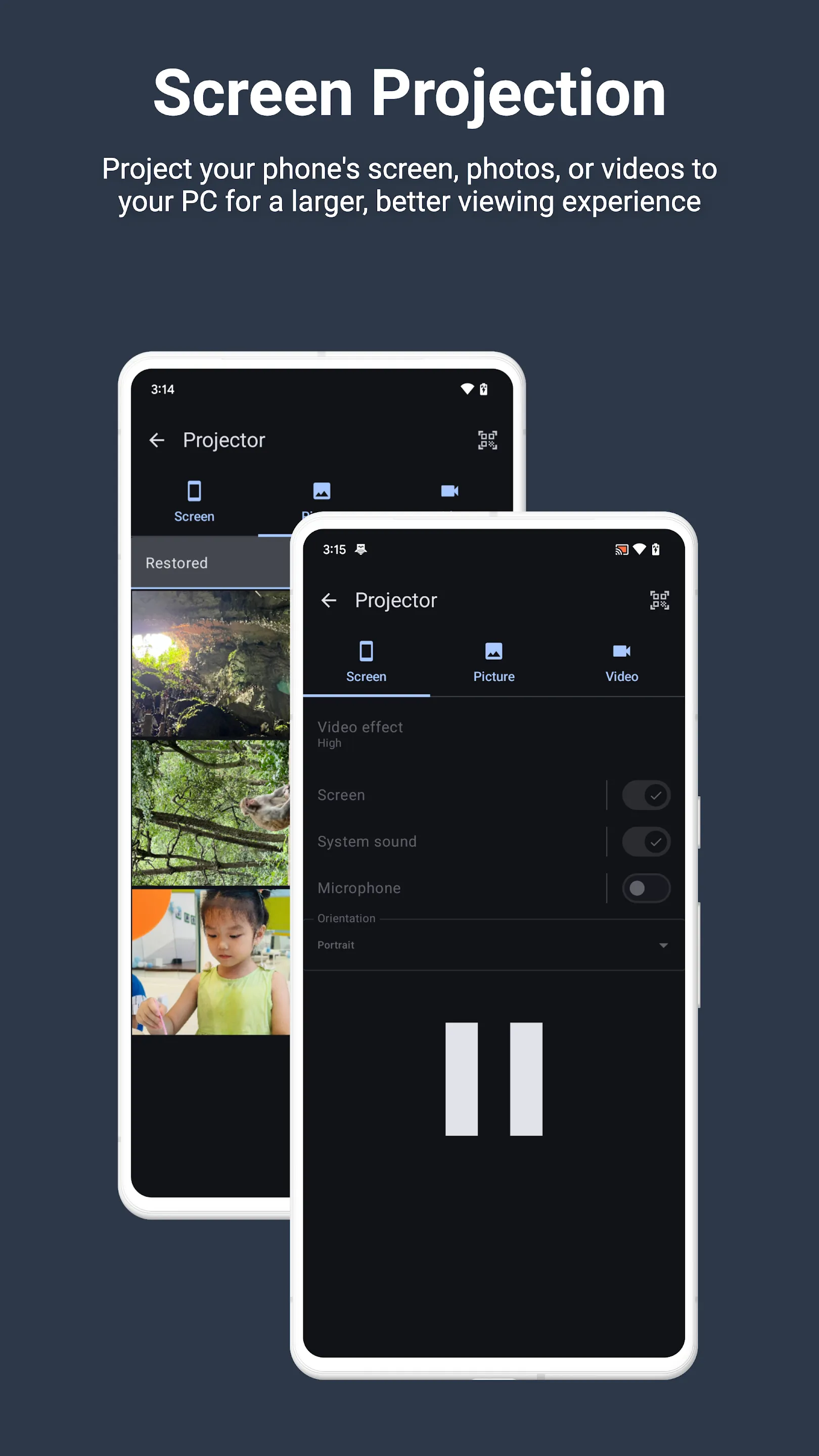
- Real-time Screen and Camera Sharing: Share your PC screen and camera feed seamlessly with your smartphone. Experience your PC as if it's right in your hand.
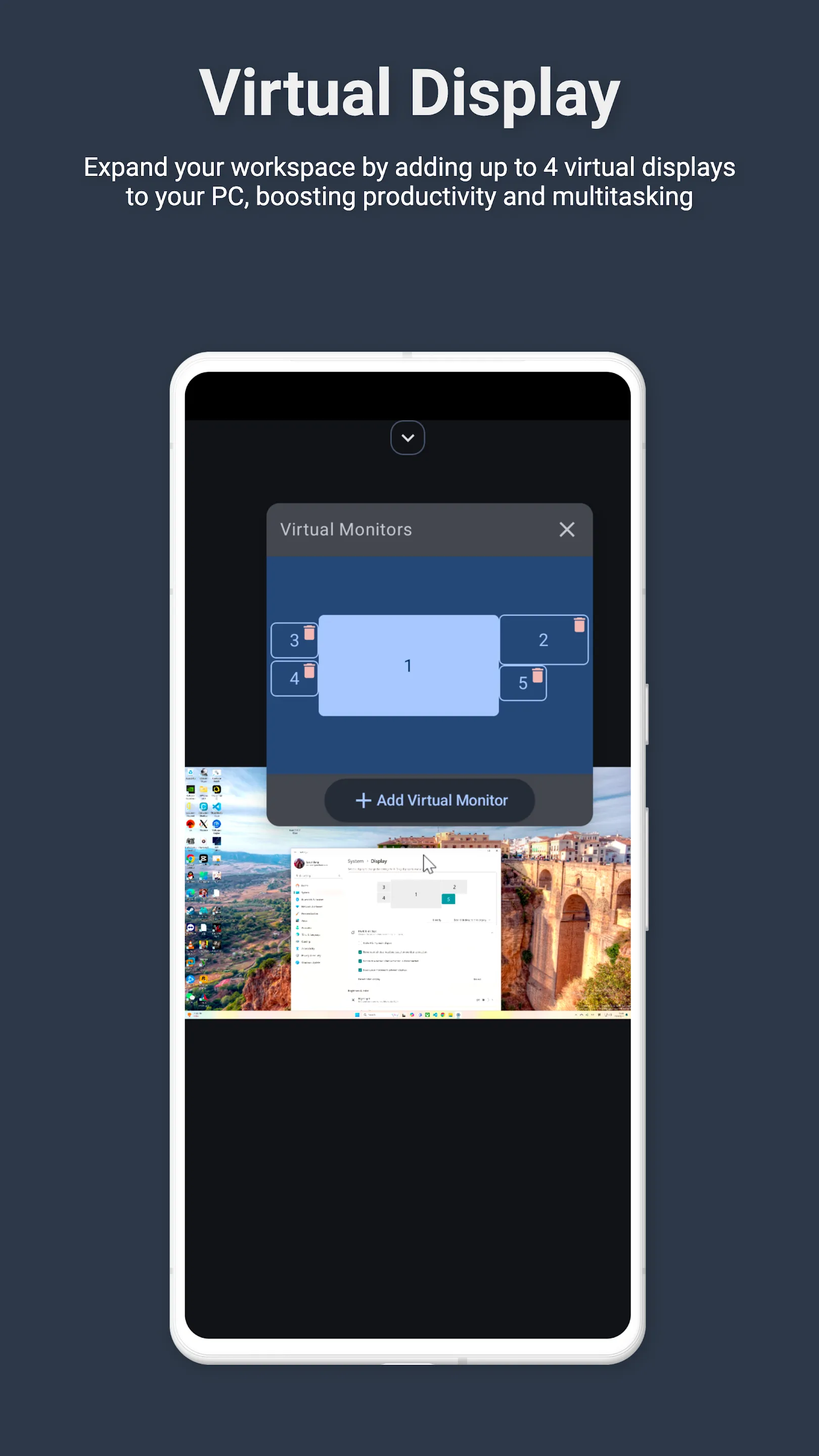
- Multi-Display Capabilities: Expand your workspace by adding up to 4 virtual displays to your PC, boosting productivity and multitasking.
- Digital Artistry: Turn your device into a graphics drawing tablet with support for pressure-sensitive stylus pens. Unleash your creativity in software like Adobe Photoshop®.
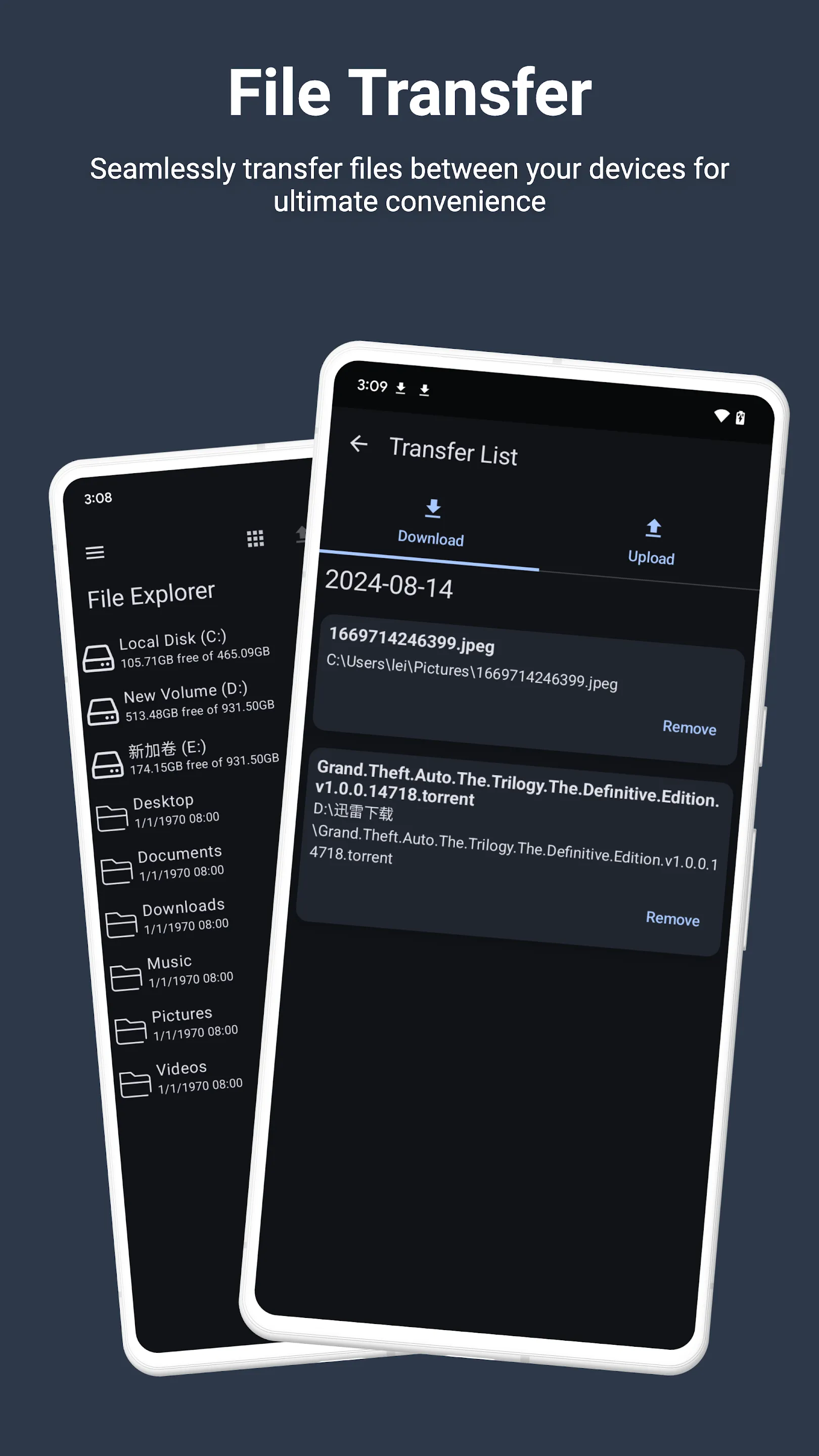
- Effortless File Transfer: Seamlessly transfer files between your devices for ultimate convenience.
- Top-Notch Security: Rest easy with our 256 Bit AES Session Encoding for secure remote network connections.
How to Use:
1. Installation: Download Monect PC Remote from Google Play and the PC Remote Receiver from https://www.monect.com/ on your computer.
2. Connect Your Device: Choose from multiple connection options:
- Local Wi-Fi (on the same network)
- Remote Wi-Fi (across different networks)
- USB tethering from your device
- Share your device's Wi-Fi hotspot
- Bluetooth
[Note: Adobe Photoshop® is a registered trademark of Adobe in the United States and other countries.]
Experience the freedom and control that Monect PC Remote offers, making your PC a truly versatile and powerful tool for work, play, and creativity.
Essential Apps
VIDEOS (1)
Ratings
4
1 total ratings
5
0%
4
100%
3
0%
2
0%
1
0%
REVIEWS
******3073
11/08/2024
🤓👍
'%20fill-rule='evenodd'%20clip-rule='evenodd'%20d='M8.04878%200.118571C9.10796%20-0.198465%2010.2321%200.132893%2010.9526%200.961509L18.7058%209.9036H22.0709C23.0433%209.90386%2023.8429%2010.7032%2023.843%2011.6757V13.1309H23.8497C23.8497%2013.4983%2023.5476%2013.8014%2023.1803%2013.8015H19.9372V33.9548C19.9372%2034.423%2019.5703%2034.7975%2019.1021%2034.7977H17.142C15.91%2034.7977%2014.9156%2033.8036%2014.9154%2032.5644V28.0251C13.5538%2028.5582%2012.3722%2028.7169%2010.9963%2028.7169C6.45689%2028.7169%203.74677%2025.6897%203.74677%2020.6099V13.8015H1.77319C0.800641%2013.8015%200.000280942%2013.0091%200%2012.0294V10.573C0.000219737%2010.2057%200.303205%209.9036%200.670545%209.9036H13.5676L5.13039%201.85482C4.82078%201.55938%204.94365%201.04032%205.35428%200.917851L8.04878%200.118571ZM8.78425%2013.8082V20.611C8.78438%2023.1974%209.8151%2024.35%2012.1135%2024.35C12.9637%2024.3499%2014.1167%2024.1489%2014.902%2023.7959V13.8082H8.78425Z'%20fill='white'/%3e%3c/svg%3e)
Permissions
Location: access this device"s location
Storage: access photos, media, and files on your device
Biometric Information: access biometric data like fingerprint to unlock the app
Internet: use your internet connection
Developer Info
Curated for YouSee all






Scan to download on PhonePe Appstore

